Use original media with a job
Photograph real jobs, staff, locations, and before-and-after results when you have permission. Place each image near text that explains what it shows and why it matters.
SEO guide 13 · The media optimization pipeline
Media SEO makes your photos and videos easy to find, quick to load, and useful on the page where they appear.
← All SEO guides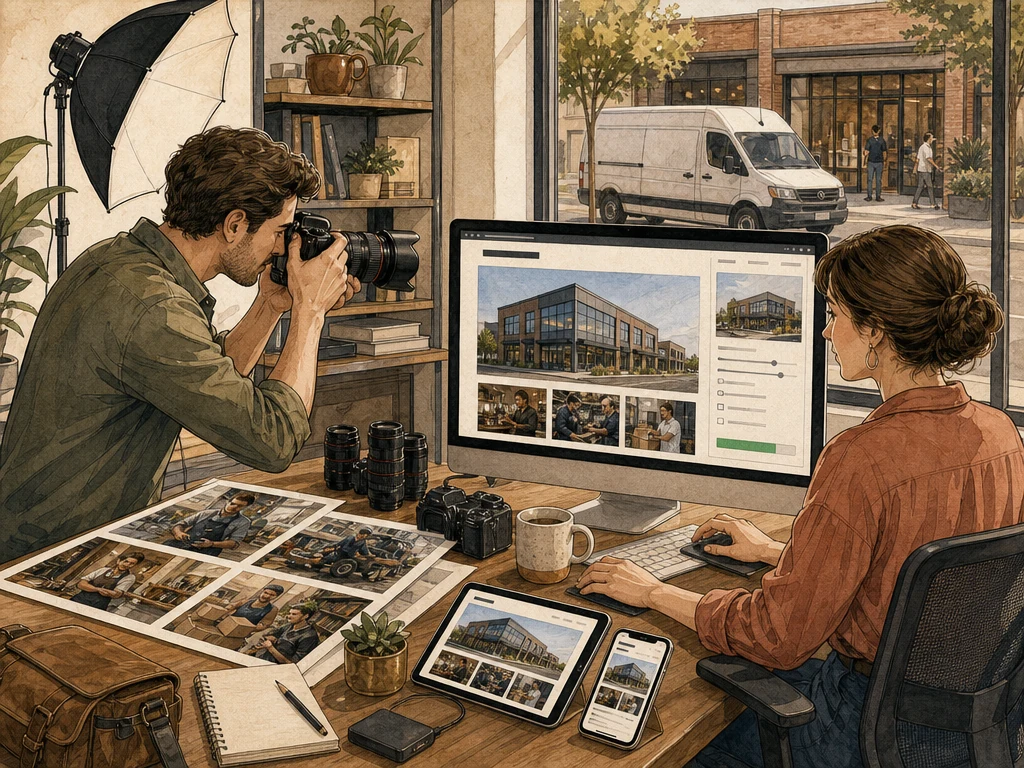
Why this matters
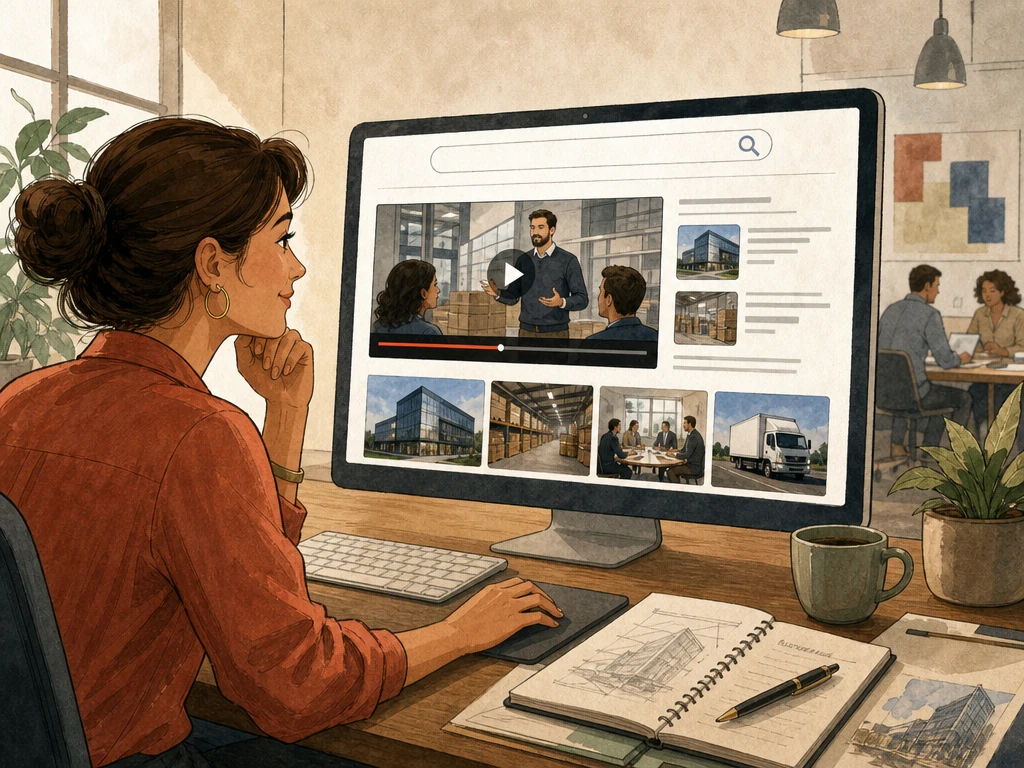
Original photos and video can show your work, explain a process, and help customers judge quality in ways text can't. Google can show that media in image and video results when it can access the files and understand them.
Oversized, decorative, or undescribed media can instead slow pages and shut out visitors using screen readers. Start with why each image is there, then describe it, size it, and deliver it efficiently.
Original photos and video can show your work, explain a process, and help customers judge quality in ways text can't. Google can show that media in image and video results when it can access the files and understand them.

Oversized, decorative, or undescribed media can instead slow pages and shut out visitors using screen readers. Start with why each image is there, then describe it, size it, and deliver it efficiently.
Knowing what to avoid saves time and protects the trust you have built.
Recommended practices
Photograph real jobs, staff, locations, and before-and-after results when you have permission. Place each image near text that explains what it shows and why it matters.
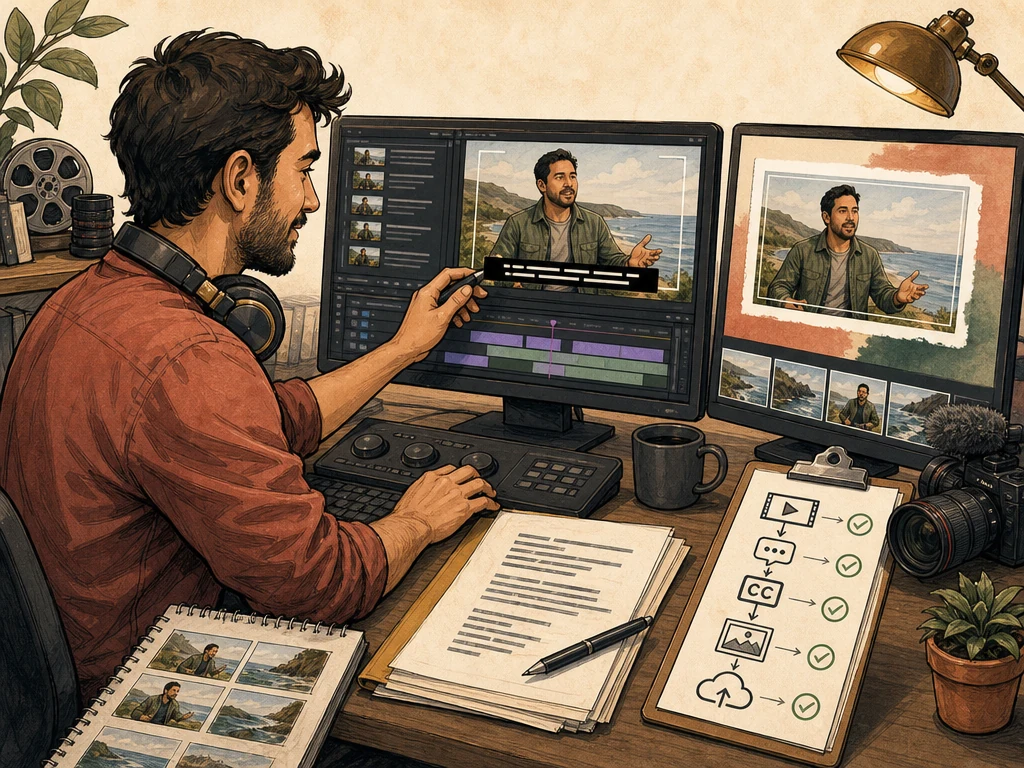
Describe informative images briefly and leave decorative images with empty alt text. Hypothetical example: “Technician replacing a water heater's anode rod,” not “plumber plumbing best plumber water heater.” Caption or transcribe meaningful video.
Use modern formats, sensible compression, and responsive image sizes. Reserve space so the layout doesn't jump. Don't lazy-load the main image at the top of the page.
Put key videos on a stable page with a descriptive title, supporting text, a thumbnail, and playback that doesn't require a login.
Use image or video structured data and sitemaps where they apply. Keep file URLs stable and make sure markup describes media visitors can actually see.
What to do next
List the key images and videos on each important page, with their purpose and file size.
Replace stock images with your own photos where they show real work or proof.
Compress and resize files, then check that pages don't shift while loading on a phone.
Add alt text, captions, and transcripts that a person has reviewed.
Use URL Inspection to confirm Google can fetch important image and video pages.
Avoid these shortcuts
Search visibility, rankings, enhanced results, calls, leads, and revenue depend on demand, competition, the website's starting point, and factors outside any agency's control. Results are not guaranteed.
Questions business owners ask
Every image needs an alt attribute, but decorative ones should usually be empty so screen readers skip them. Informative images need a short description of what they show.
A readable filename like “water-heater-install.jpg” adds a little context and helps you stay organized. It's no substitute for good placement, nearby text, and alt text.
No. Give a video its own page when watching it is the main point. Short supporting clips can stay inside a broader page if that serves visitors better.
Primary guidance
Apply the right practice to the right problem