Keep key pages a few clicks away
Make important pages reachable through clear navigation from a relevant hub page. How deep a page sits should follow your site's logic, not a fixed click limit.
SEO guide 11 · The connected site graph
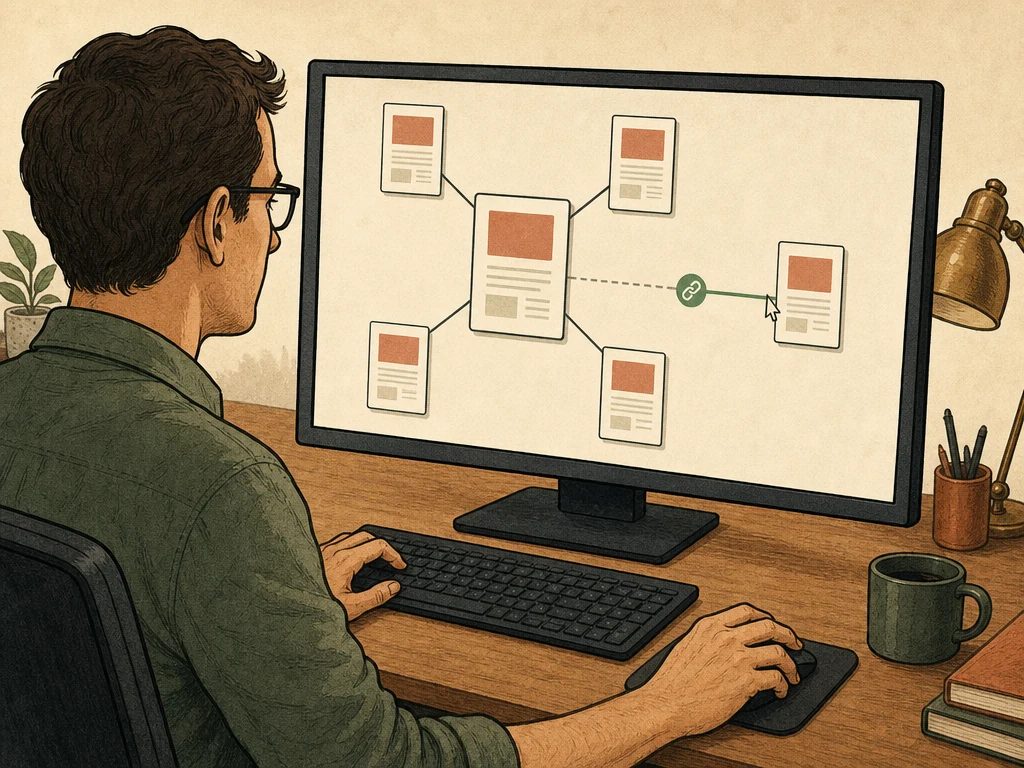
Internal links tie your pages into one clear system, so visitors and search engines can reach the pages that matter most.
← All SEO guides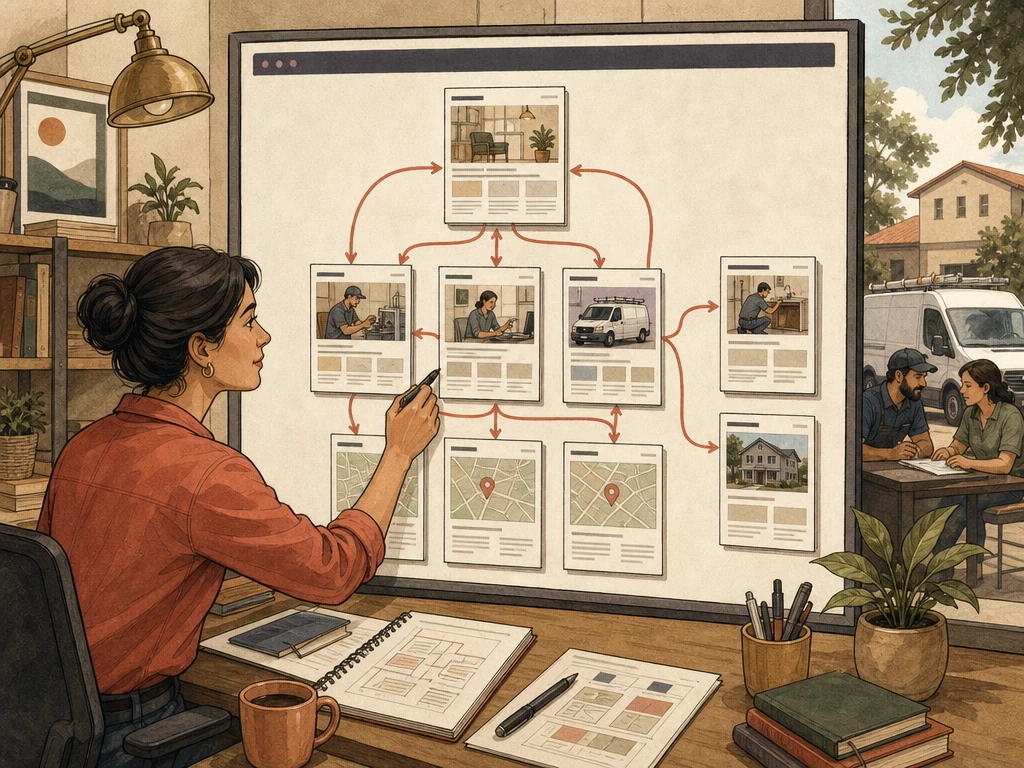
Why this matters
Search engines find most pages by following links. They use link text and the surrounding words to understand what each page is about. Pages reachable only through a search box or script may be crawled less.
Links also move visitors from a question to the related service, location, or contact page. Good linking is editorial: add links where a reader needs them, not blocks of keyword links everywhere.

Search engines find most pages by following links. They use link text and the surrounding words to understand what each page is about. Pages reachable only through a search box or script may be crawled less.
Links also move visitors from a question to the related service, location, or contact page. Good linking is editorial: add links where a reader needs them, not blocks of keyword links everywhere.

Knowing what to avoid saves time and protects the trust you have built.
Recommended practices
Make important pages reachable through clear navigation from a relevant hub page. How deep a page sits should follow your site's logic, not a fixed click limit.
Hypothetical example: instead of “click here,” write “see our drain-cleaning prices.” Vary the wording naturally with the sentence rather than repeating one exact phrase.
Connect each service to its locations, guides, examples, and policies. A hub should help visitors choose a path, not list every page on the site.
Use standard links with real URLs for navigation. Fix broken links, links that pass through redirects, and navigation that only works after a script runs.
Links from your own pages help Google find a page and judge its importance within your site. Use a crawl tool to find pages with no links pointing to them, then decide each new link by hand.
What to do next
Crawl the site and list pages with no internal links or buried many clicks deep.
Choose a hub page for each main service, location, and guide topic.
Add links where a reader would naturally want an explanation, proof, or next step.
Replace broken, redirected, and script-only links with direct standard links.
Recheck navigation, breadcrumbs, and footer links after every major content update.
Avoid these shortcuts
Search visibility, rankings, enhanced results, calls, leads, and revenue depend on demand, competition, the website's starting point, and factors outside any agency's control. Results are not guaranteed.
Questions business owners ask
As many as genuinely help; there is no ideal number. Hub pages need more than focused articles. Avoid overwhelming readers with repeated or irrelevant links.
No. Link text should briefly describe the destination in natural language. Varied, clear wording is healthier than forcing the same phrase into every link.
Yes, when they reflect a real hierarchy and work as links. They help visitors orient themselves and help search engines understand structure. Breadcrumb markup should match the visible trail.
Primary guidance
Apply the right practice to the right problem