Check the tracking first
Compare Search Console clicks with analytics and your actual calls and forms. Look for tag changes, cookie-consent changes, and filters before assuming search traffic really fell.
SEO guide 18 · The recovery diagnosis
Recovery starts by pinning down exactly what fell and when, and confirming the cause before any fix goes live.
← All SEO guides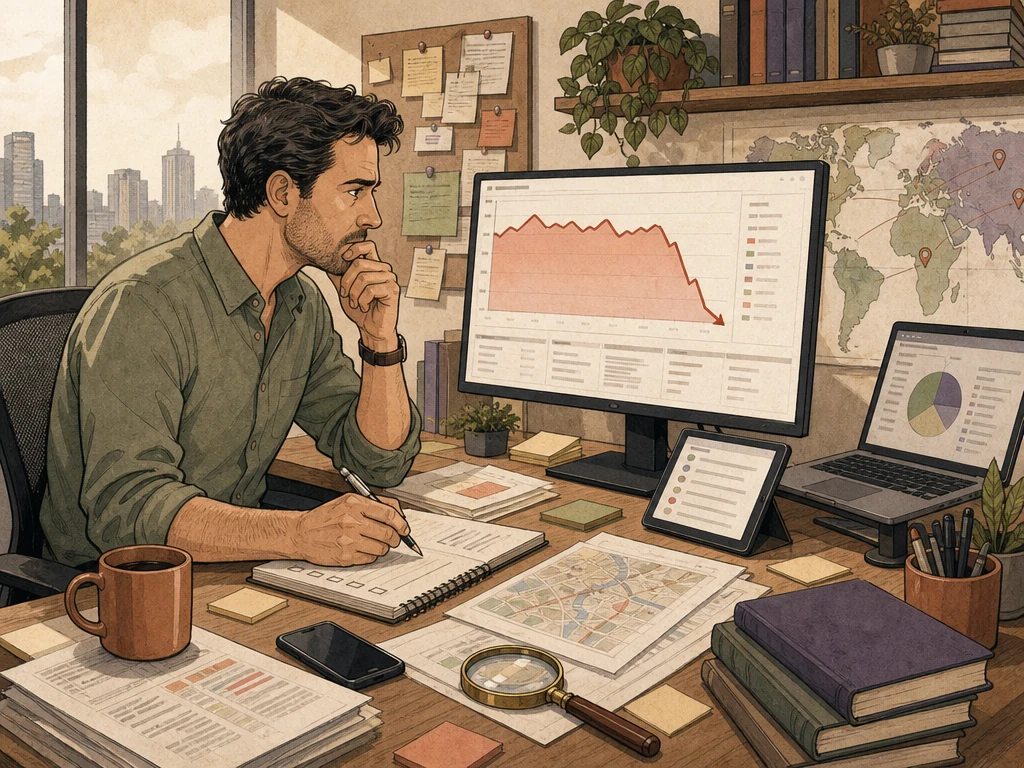
Why this matters
A traffic drop can come from broken tracking, seasonality, fewer searches, AI answers on the results page, indexing problems, a redesign, server errors, a hacked site, or a Google update. Each needs a different response.
Rushed sitewide rewrites, bought links, or mass deletions can make things worse and erase the clues. Save your data, narrow down which pages fell, check the high-risk causes first, and make the smallest fix that addresses the cause.

A traffic drop can come from broken tracking, seasonality, fewer searches, AI answers on the results page, indexing problems, a redesign, server errors, a hacked site, or a Google update. Each needs a different response.

Rushed sitewide rewrites, bought links, or mass deletions can make things worse and erase the clues. Save your data, narrow down which pages fell, check the high-risk causes first, and make the smallest fix that addresses the cause.

Knowing what to avoid saves time and protects the trust you have built.
Recommended practices
Compare Search Console clicks with analytics and your actual calls and forms. Look for tag changes, cookie-consent changes, and filters before assuming search traffic really fell.
A common pattern now: impressions hold steady while clicks fall, mostly on question-style searches. In Search Console's Performance report, compare clicks and impressions by query against last year. Search those queries to see whether an AI Overview answers them.
Break the drop down by date, query, device, page type, and branded versus non-branded searches. Is it sitewide, a few pages, seasonal, or tied to a site change?
Review Search Console's manual actions, security issues, and indexing reports. Check robots rules, noindex tags, server errors, and redirects on real pages, not just reports.
Compare the drop date with site changes and Google's Search Status Dashboard. A matching update is a lead, not proof. Restore accidental losses and improve only the pages evidence points to.
What to do next
Note the first day of the drop and compare clicks, impressions, and leads.
Check whether impressions held steady while clicks fell, and on which queries.
Split the drop by page group, query, device, and branded versus non-branded searches.
Check manual actions, security issues, indexing, server errors, and recent site changes.
Make the narrowest fix the evidence supports, log the date, and recheck in a few weeks.
Avoid these shortcuts
Search visibility, rankings, enhanced results, calls, leads, and revenue depend on demand, competition, the website's starting point, and factors outside any agency's control. Results are not guaranteed.
Questions business owners ask
Confirm the tracking, then check whether impressions fell or only clicks. Next check Search Console for manual actions, security issues, and indexing, plus any recent site changes.
Only where pages are inaccurate, unhelpful, or poorly matched to the search. Google recommends lasting improvements rather than quick fixes aimed at one update.
It depends on the cause. A fixed technical error can recover once Google recrawls. Content quality or lost AI Overview clicks may take much longer to offset, or may not return.
Primary guidance
Apply the right practice to the right problem