Check eligibility first
A profile generally requires in-person contact with customers during your stated hours. Online-only businesses and lead-generation services should not invent a location to qualify.
Google Business Profile guide 02 · Management
Your profile should match how the business really operates: the name on your sign, where you actually serve customers, and hours you actually keep. No added keywords, made-up locations, or old hours.
← All profile management guides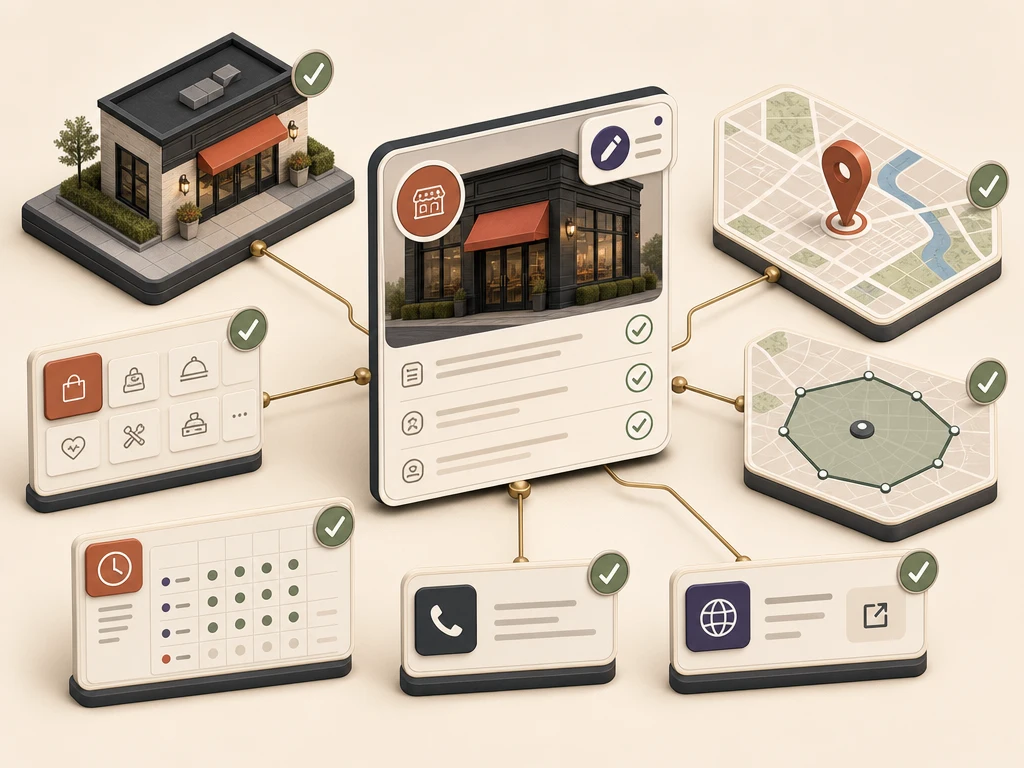
Why this matters
Customers use your profile to decide whether you do what they need, are open, and can be reached. A wrong category, address, service area, phone number, or schedule can cost you a call or a visit.
Google mixes what you enter with information from the web, other data sources, and suggestions from the public. So managing a profile includes checking changes Google makes, confirming the facts, and fixing the outside source when the same wrong detail keeps coming back.
Responsible practices
A profile generally requires in-person contact with customers during your stated hours. Online-only businesses and lead-generation services should not invent a location to qualify.
Use the name on your sign, invoices, and branding. Do not add cities, services, or slogans unless they are truly part of the name. Hypothetical example: use "Smith Plumbing," not "Smith Plumbing – Emergency Plumber Denver."
Use your exact address if customers come to you. Hide the address if you go to customers instead. Virtual offices are not eligible, and a coworking space must meet Google's staffing, signage, and customer-access rules.
Choose the fewest, most specific categories that describe the core business. Do not add a category for every product or service.
Update regular, holiday, and seasonal hours. After any change, test the phone number, website, booking link, and other buttons.
See the responsibility

A storefront, a service business run from home, and a mailbox address each need a different setup. The map should show where you really work.

Check regular and holiday hours, the phone number, website and booking links, and directions on a schedule, and again after any edit from you or Google.
What to do next
Confirm your business and each location meet Google's current eligibility rules.
Compare the profile's name, address or service area, phone, website, categories, and hours with what is true today.
If you serve customers at their location, hide your address and list up to 20 areas you really serve.
Set holiday hours ahead of time, then test calls, links, bookings, and directions on a phone.
Review changes Google made, and fix the outside source if the same wrong detail keeps returning.
Avoid these failures
Google makes the final call on verification, features, display, restrictions, and ranking, so no one can guarantee results. What Google controls.
Questions business owners ask
Google currently allows up to 20 named service areas and suggests keeping the whole area within about two hours' drive. List the places you actually serve, not every market you would like to show up in.
No. A coworking space can qualify only if it meets Google's rules for permanent signage, staff on site, and customer access during your hours.
Google can update profiles using public websites, other data sources, and suggestions from users. Check the change, confirm the right fact, and fix both the profile and the source if needed.
Primary guidance
Companion resource
Keep ownership, facts, and expectations clear