Keep the business as an owner
Use a Google Account the business controls as the main owner. An agency normally works as a manager. It should not replace you as the only owner.
Google Business Profile guide 01 · Management
Keep your business as an owner of its profile. Give every person their own login, and give outside help only the access their work needs. That way no single person or vendor can lock you out.
← All profile management guides
Why this matters
Your profile is often where customers call you, get directions, and compare you with competitors. Losing access, sharing one password, or leaving former staff and vendors attached can turn a simple update into an ownership dispute or a security problem.
Google separates owners from managers. Owners can add or remove people and delete the profile. Managers can handle most day-to-day work. If an outside company manages the profile, Google's third-party policies require your consent, clear pricing, and a way to take back full control.
Responsible practices
Use a Google Account the business controls as the main owner. An agency normally works as a manager. It should not replace you as the only owner.
Add each owner, employee, and outside helper through their own Google Account. Never share passwords, verification codes, or PINs.
Keep owner access for the people who decide who else gets in. Review the user list when roles change, and remove former staff and vendors right away.
Verification shows Google you are allowed to manage the profile. Google picks the verification method and may ask for more than one. Verification is not an endorsement from Google.
Google may ask for a short video recorded live from your phone through the profile. It must be one continuous, unedited clip of at least 30 seconds.
What to film, per Google's current guidance: street signs or nearby landmarks that show your location; permanent signage with your business name; and something only staff can access, like opening the register, stockroom, or point-of-sale system. A service-area business can show its tools, equipment, or work vehicle, plus a business document such as a permit, invoice, or utility bill. Keep bank, tax, and ID numbers and other people's faces out of the shot.
Before a provider claims or manages your profile, write down your consent, the scope of work, fees, who approves changes, and how results are reported. Google's third-party policies say that within seven business days of your request, the provider must let you remove it and regain exclusive control.
See the responsibility

Owners control who has access. Managers handle routine updates. Regular access reviews remove accounts that no longer need a way in.
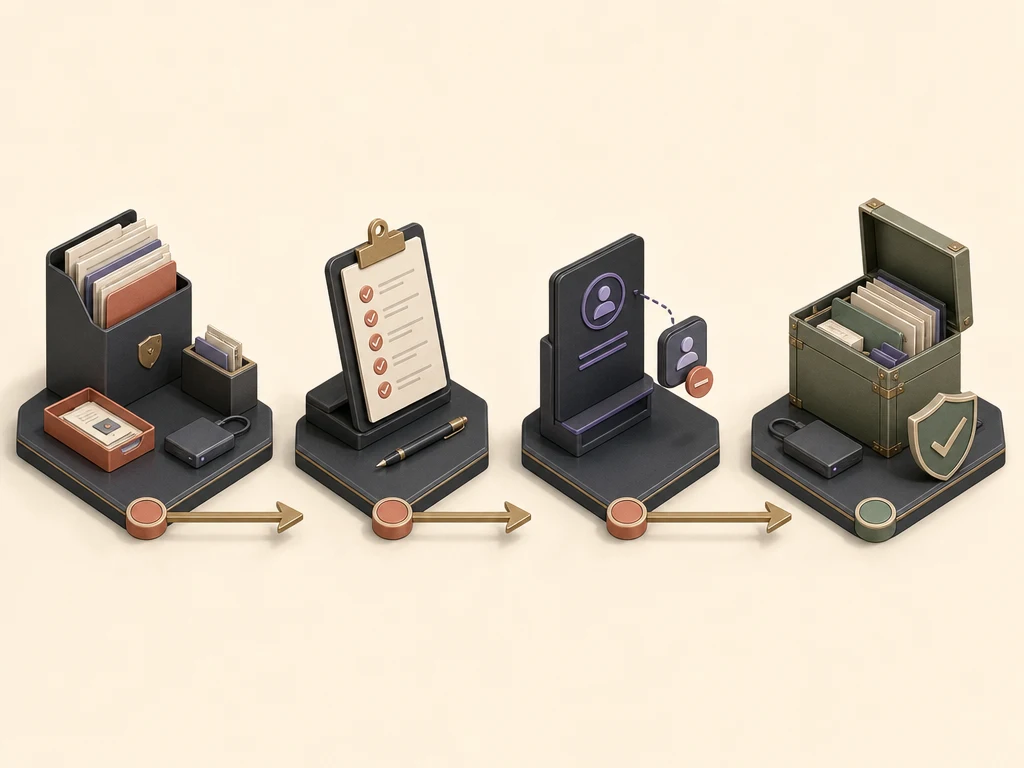
A clean handoff keeps your files, pending changes, and recovery details, and removes the departing provider's account from the profile.
What to do next
List every current owner and manager and the Google Account each person uses.
Name one person at the business who approves access changes.
Confirm the business is an owner. Outside helpers should be managers.
Turn on two-step verification for every account that can manage the profile.
Remove old access and stop any shared logins.
Avoid these failures
Google makes the final call on verification, features, display, restrictions, and ranking, so no one can guarantee results. What Google controls.
Questions business owners ask
No. Your business should stay an owner. An agency usually needs only manager access. If it truly needs owner access, keep your own owner account too, so you can always remove it.
No. Each person should use their own Google Account. That lets you review access, use two-step verification, and remove one person without changing everyone's password.
Google applies a seven-day waiting period to some ownership and management actions for new owners and managers. Add people before an urgent change is needed.
Primary guidance
Companion resource
Keep ownership, facts, and expectations clear