Google Business Profile Reviews and Responsible Responses
Make it easy for real customers to leave honest feedback. Don't reward reviews, screen out unhappy customers, or tell people what to write. Reply briefly, keep private details private, and report only reviews that break Google's rules.
Protect business control and the customer experience.
Reviews show future customers what working with you is really like, and they tell you what to fix. They lose that value when requests are selective, rewarded, pressured, or scripted, or when unhappy customers are steered away.
A reply is a public statement from your business. A good one shows care and offers a next step. It should never share private details, argue, make claims you can't back up, or be posted by someone you haven't approved.
Responsible practices
What responsible management looks like.
01
Ask every eligible customer the same way
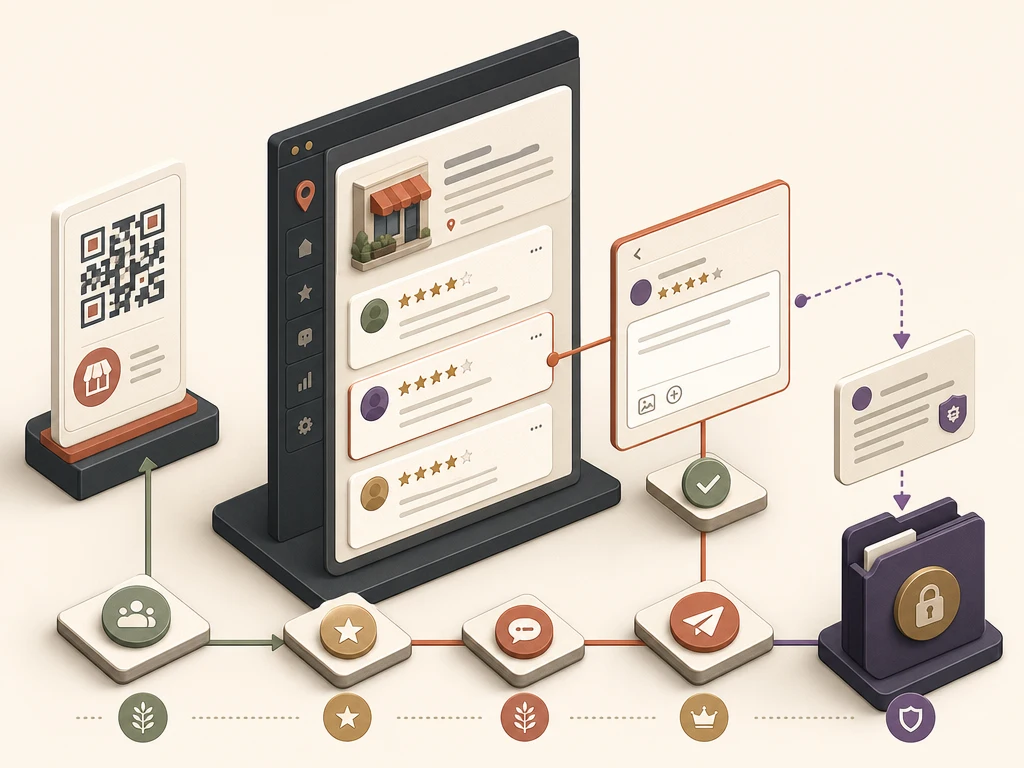
Use Google's review link or QR code at a natural moment, such as after a finished job or a purchase. A follow-up email, text, receipt link, or in-person ask can all work.
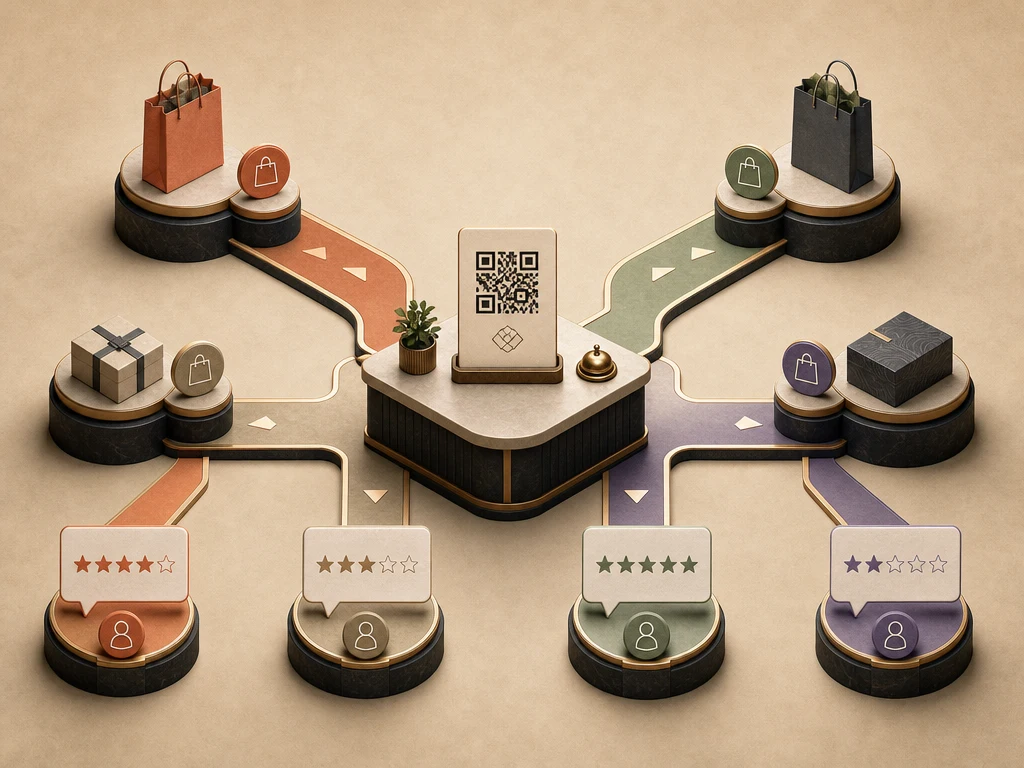
Ask everyone, not just the customers you expect to be happy. Keep it optional. Sample wording: "Thanks for choosing us. If you have a minute, we'd appreciate an honest review on Google: [link]."
02
Let customers add photos if they want
Customer photos make your profile more useful. Google lists photos among its local tips but doesn't promise ranking gains. Never reward customers for them.
03
Handle private details privately
Invite the reviewer to call or email to sort things out. Never confirm who the customer is, job details, health or money information, or other private facts in a public reply.
04
Reply briefly and calmly
Thank the person, correct only what you can say safely, and offer a next step. Sample reply to a complaint: "We're sorry this visit fell short. Please call our office manager at the number on this profile so we can look into it."
05
Approve who replies for you
An outside company needs your approval before replying to reviews. Decide who drafts, who approves, which replies can use a template, and which need you.
06
Report rule-breaking reviews, not criticism
Use Google's reporting tools for reviews that break its content policy. A low rating or a customer's honest complaint is not a violation on its own.
Google removes fake reviews it finds. If it decides a business was behind fake reviews, it can stop the profile from getting new reviews for a time, hide existing reviews, and show customers a warning that fake reviews were removed. Businesses can appeal. The FTC also has a federal rule on fake and bought reviews; see the plain-language guide linked below.
See the responsibility
Fair requests and careful responses protect customer trust.
Give genuine customers the same neutral path to leave feedback.
A fair request goes to happy and unhappy customers alike. It never suggests wording or attaches a reward.
Keep the public reply useful and the private case private.
A short, approved reply can offer a next step without exposing customer details. Suspected rule violations go through Google's reporting tools instead.
What to do next
A practical profile checklist.
01
Decide which finished jobs or purchases get a review request, and when it is sent.
02
Use Google's official review link or QR code, with no rewards, filters, or suggested wording.
03
Write short, owner-approved reply examples for positive, mixed, negative, and sensitive reviews.
04
Move complaints to a phone call or email, and strip private details from every public reply.
05
Track repeated complaints so you can fix the underlying problem.
Avoid these failures
Do not trade durable control for a short-term shortcut.
Offering discounts, gifts, or prize entries for reviews
Sending unhappy customers somewhere else while asking happy ones to post on Google
Posting a reply without the owner's approval or with private customer details
Promising that a bad review will be taken down
Google makes the final call on verification, features, display, restrictions, and ranking, so no one can guarantee results. What Google controls.
Questions business owners ask
Direct answers for this responsibility.
01Can I ask customers for Google reviews?+
Yes. Share Google's review link or QR code with real customers in the same neutral way. Rewards, screening out unhappy customers, pressure, and suggested wording are not allowed.
02Should I reply to every review?+
There's no required number. Aim for timely, useful replies that sound like your business. A thoughtful reply to the reviews that need one beats a generic reply to all of them.
03Can a bad review be deleted?+
You can report a review that breaks Google's content policy. An unfavorable opinion usually doesn't qualify, and Google decides what comes down.