Run the same check every month
Review who has access, profile status, changes from Google, categories, hours, links, photos, posts, reviews, duplicate listings, and buttons. Fix urgent errors as soon as you confirm them.
Google Business Profile guide 05 · Management
Check your profile every month for unwanted changes, old access, and broken buttons. Treat profile clicks as signs of interest, not as customers. If Google suspends or restricts the profile, fix the cause first, then appeal.
← All profile management guides
Why this matters
Your profile keeps changing after setup. Owners, managers, Google, and the public can all change what customers see. Duplicate listings, old access, broken buttons, category changes, or a suspension can appear between check-ins.
Performance numbers show how people found and used your profile, but each has limits. A call-button tap is not always a completed call. A direction request is not always a visit. A profile view is not a lead.
Responsible practices
Review who has access, profile status, changes from Google, categories, hours, links, photos, posts, reviews, duplicate listings, and buttons. Fix urgent errors as soon as you confirm them.
Verified profiles can show searches, views, direction requests, call-button taps, website clicks, and bookings. Only the metrics that apply to you appear, and they can include activity from Google Ads.
Compare profile numbers with your call log, booking system, website analytics, and job records. Hypothetical example: 40 call-button taps and 22 answered calls from new customers are two different numbers; report both.
Google says local results depend on relevance, distance, and prominence. You can't pay Google for a better local ranking, and nobody can override where the searcher is or who else competes nearby.
Google can suspend or disable a profile that breaks its guidelines. It can also restrict a whole account, which suspends every profile it manages and blocks new ones. Some restrictions are narrower, such as pausing new reviews or showing a fake-review warning.
Read the policy Google cites and fix the cause first. Then use Google's appeals tool while signed in to the right account. Upload proof that matches the profile's name and address, such as a business license, registration, or utility bill. Don't create a new profile for the same business while the appeal is open.
See the responsibility

A monthly check makes access changes, edits, broken buttons, old content, duplicate listings, and restrictions easier to spot and fix.
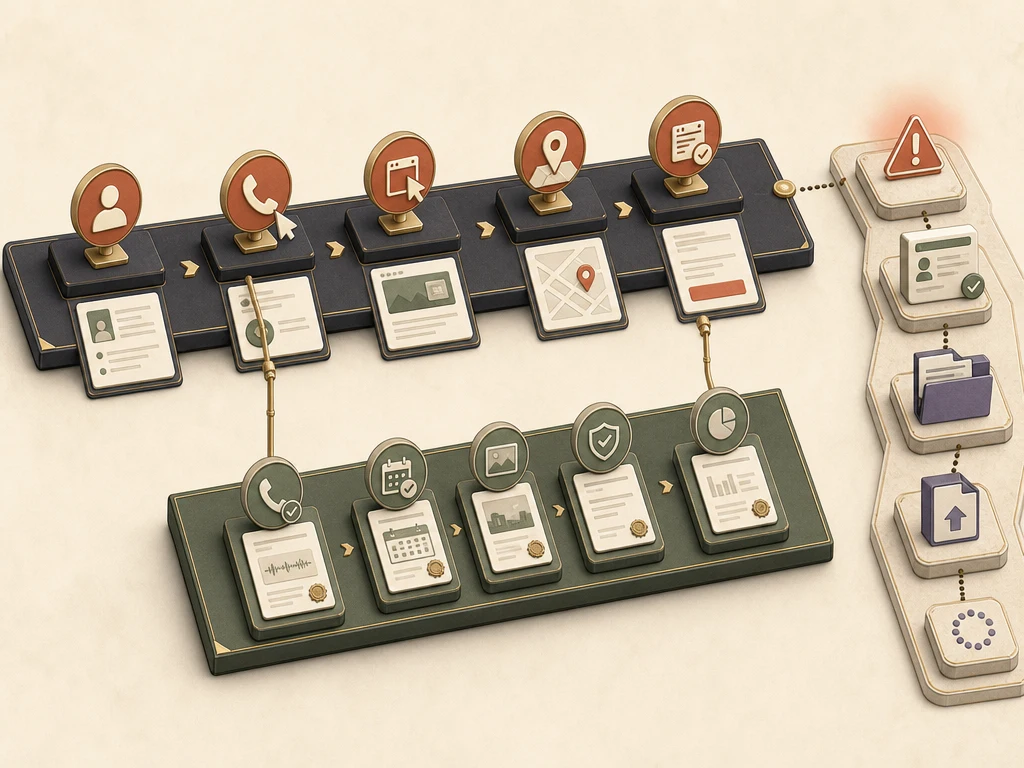
Clicks and direction requests are not completed sales. A restriction needs a fix, records, and an official appeal.
What to do next
Keep a monthly record of owners, managers, profile status, edits, reviews, duplicates, and working buttons.
Export profile metrics each month, noting the date range and any Google Ads overlap.
Compare profile taps with answered calls, bookings, and form leads from your own records.
Agree on who is told, and how fast, about strange access, big unapproved edits, or a suspension.
If suspended, fix the cause, gather proof, appeal once through Google's tool, and never make a duplicate profile.
Avoid these failures
Google makes the final call on verification, features, display, restrictions, and ranking, so no one can guarantee results. What Google controls.
Questions business owners ask
No single number tells the whole story. Label each metric accurately, and compare it with real customer outcomes only where your own records can confirm the link.
No. Google says there is no way to request or pay for a better local ranking. Ads are separate placements and don't improve your unpaid position.
Read the policy Google cites, fix the cause, and appeal through Google's appeals tool with matching business documents. Don't create a new profile while the appeal is open. The suspensions guide covers the steps in detail.
Primary guidance
Companion resource
Keep ownership, facts, and expectations clear